Wait, what exactly is Computer Use?
⎇ zanechee.dev · Updated Jul 3, 2026
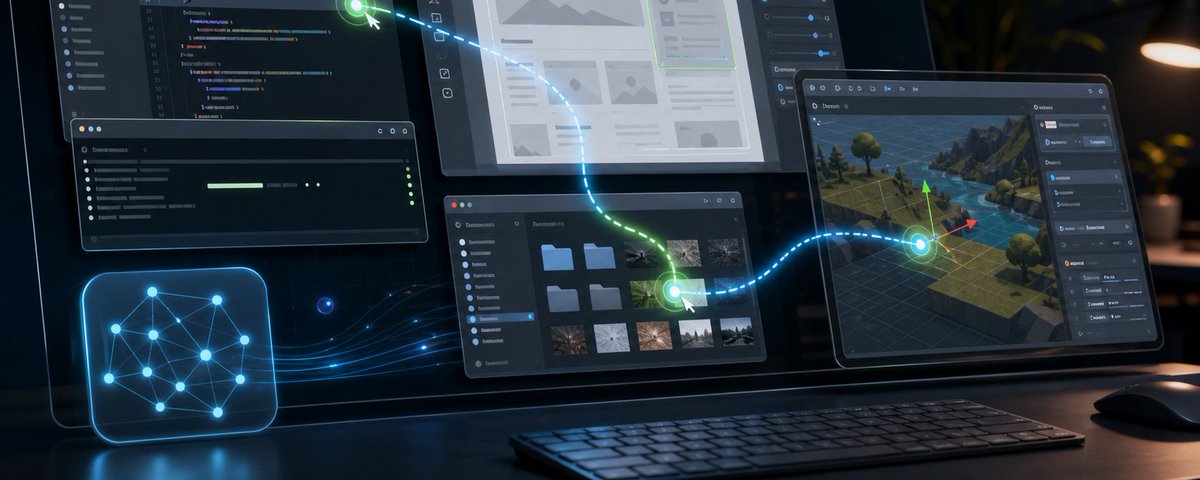
I've been working on open source Computer Use for the past few months, and this is the most common question I receive: "what exactly is Computer Use? is it an app, or something?"
For those who've ever thought of this, believe me when I say you're not alone: the term itself isn't of much help either. So let's talk about exactly who (or what?) is using your computer, and why it changes everything.
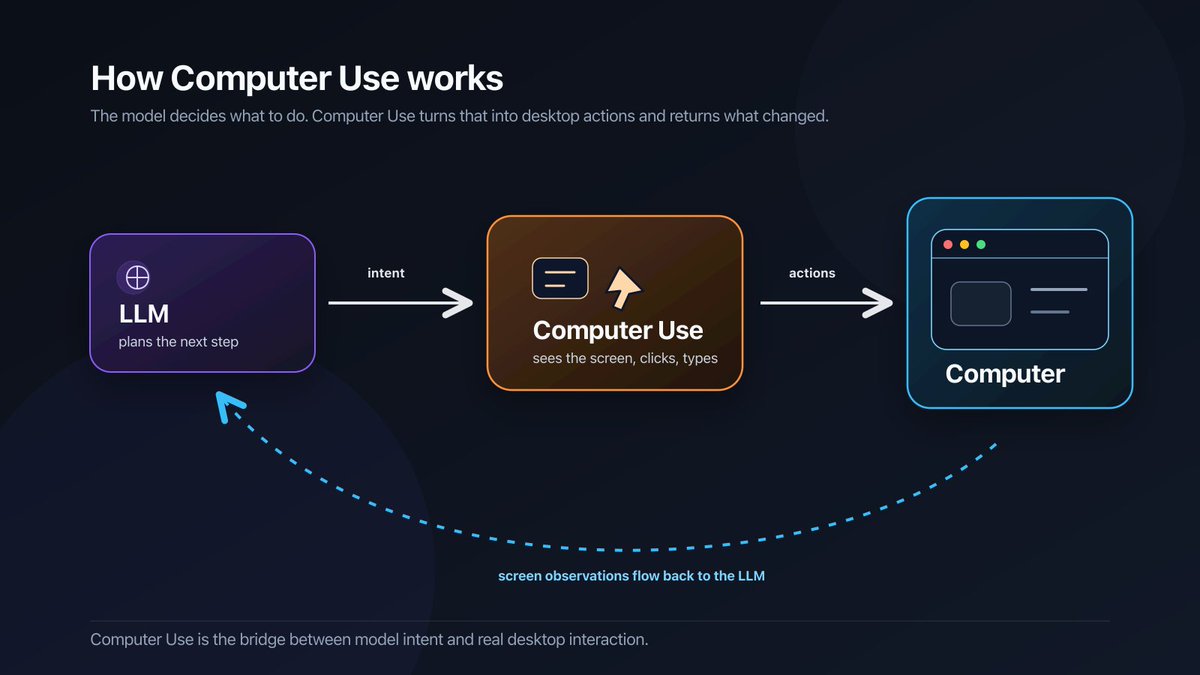
Computer use is part of the tool layer that provides your agent with the necessary capabilities to solve complex tasks, without human assistance.
Agents & Tools
Let's start with the agent: it is an LLM (think ChatGPT, Claude, Gemini) that is equipped with tools to interact with its environment. Codex, Claude Code, GitHub Copilot, are examples of this: they come with tools to read codebases, modify them, and even search the web.
Tools turn a chatbot into an actor with agency to modify and understand its environment. Think of it as your eyes, limbs and ears: without it, the agent is limited in both its understanding and capability to complete challenges.
Computer Use
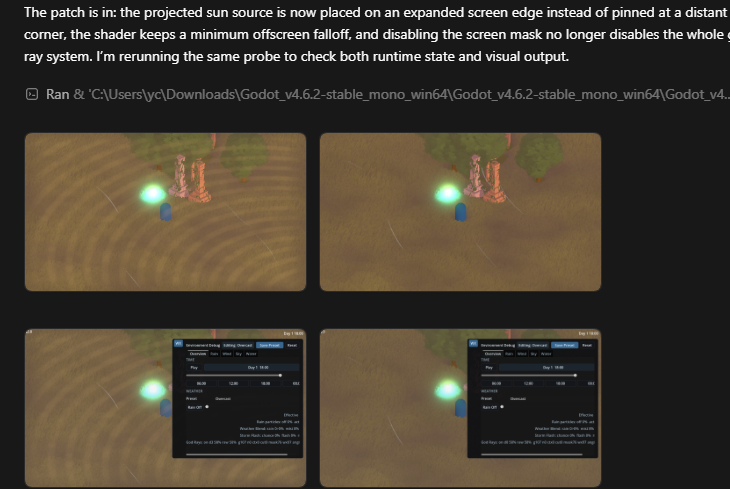
Computer Use is a tool that gives any agent the ability to see, understand & interact with apps that live on your computer.
Imagine that you are working on a Godot game, and the task is to iteratively improve the aesthetics of a scene. Every time your agent makes a code change, the scene changes. But if the agent can't access the Godot scene, how does it know exactly what changed without asking you?
Computer use helps your agent autonomously see and understand what changed, no matter what app or software you're working with.
This allows agents to work alone far better: it doesn't need you to handhold it and feed it information from screenshots and visual descriptions. It can go look for the information itself, and continuing iterating independently.
It works by interacting with the system in two main ways: as a human would (mouse clicks and scrolling), and via dedicated APIs that affect elements on-screen. This differs by OS and app, but most actions fall in these two boxes.
If you'd like to know more, I have an article on that here (and many more to come, as I deepen my knowledge):
https://x.com/injaneity/status/2051730711712063994
So what can Computer Use do?
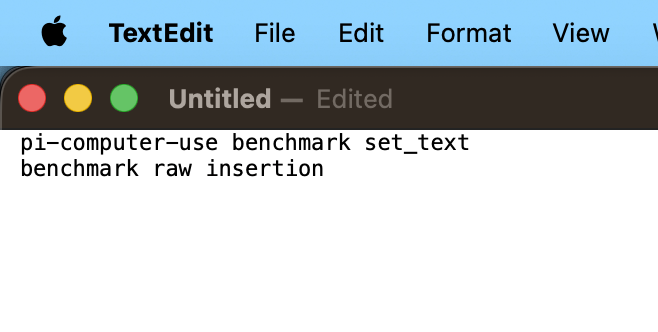
Computer Use means that your agent can interact with every application on your computer (ideally, anyway - it's an open problem). Thus, if you can think of a task that you would love an agent to do instead, Computer Use can do it:
- Ordering your groceries (thanks @brianchew!)
- Inspect and refine your 3D models in Blender
- Schedule new deadlines in Apple Reminders
- And so much more!
Computer Use helps to bridge the gap for apps that do not have actively maintained Model Context Protocols (MCPs, the main way that apps communicate with models these days) or lack them entirely.
Where can i try Computer Use?
Every implementation of Computer Use is slightly different, and new challenges are being solved every day. If you already have a subscription to these AI services, you could use it directly:
- @OpenAIDevs Codex (supports ChatGPT subscription)
- @claudeai Cowork (supports Claude subscription)
If you'd like to own and understand how Computer Use actually works on your laptop, there are some great open source options out there too:
- pi-computer-use (I made this! for those using pi coding agent, integrates as a pi extension) https://github.com/injaneity/pi-computer-use
- @trycua Computer Use driver (works standalone or in your harness of choice) https://github.com/trycua/cua
- @mattlam_'s Computer Use MCP (integrates with most agents) https://github.com/minghinmatthewlam/computer-use-mc
You can find the X mirror here.